
Lazy teams or bad ideas don’t cause most productivity problems at growing companies. They’re caused by work that’s scattered across too many places. A task lives in a chat message, a status update lives in someone’s inbox, and a deadline exists only in one manager’s head. None of this shows up as a single dramatic failure; it shows up as constant small delays that quietly add up to lost hours every week. Fixing this rarely means adding another app. It means rethinking how tasks are tracked, assigned, and followed through in the first place. Workplace productivity task management is the best solution for these scenarios. Let’s understand more about this.
Why Task Management Directly Affects Productivity
Task management isn’t just a to-do list; it’s the operating system for how work actually gets done. When ownership, deadlines, and priorities are clear and visible to everyone, teams spend their time doing the work. When they’re not, teams spend a surprising share of their time simply figuring out what to do next, who’s responsible, and whether something has already been handled. That coordination overhead is often invisible on paper, but it’s one of the highest hidden costs in any growing business.
Common Task Management Mistakes That Slow Teams Down
- Tasks live in too many places: chat threads, emails, spreadsheets, and sticky notes, with no single source of truth.
- Ownership is unclear: a task is assigned in conversation but never formally tracked, so accountability slips.
- No visibility into workload: managers can’t see who’s overloaded and who has capacity until deadlines are already missed.
- Status updates are manual: team members spend time writing status reports instead of doing the work itself.
- Priorities shift without communication: leading to wasted effort on tasks that are no longer top priority.
What “Smarter” Task Management Actually Looks Like
- Centralization: every task, deadline, and owner lives in one shared system, not scattered across tools.
- Automation: recurring tasks, reminders, and status updates occur automatically rather than manually.
- Visibility: managers and teams can see workload and progress at a glance, without chasing updates.
- Accountability: every task has a clear owner and a clear deadline, visible to the whole team.
The Real Cost of Juggling Too Many Tools
For a lot of small teams, this is what a normal week actually looks like: attendance is tracked in one place, leave requests get sent over chat or email, payroll is calculated in a spreadsheet each month, and tasks get assigned and followed up in WhatsApp. Each of these individually feels manageable. Together, they create a business that runs on chasing; chasing who’s on leave, chasing whether a task was actually done, chasing numbers for payroll before the deadline. None of it shows up as one big failure. It shows up as a slow leak of time and clarity every single week.
This is also where two common categories of software both fall short in their own way. Typical HR software manages employee records, leave, and payroll. But the actual day-to-day work still happens somewhere else. Typical task or project software manages projects and tasks well, but has no concept of attendance, payroll, or the employee lifecycle around that work. Small teams end up needing both, which usually means paying for and maintaining two disconnected systems instead of one.
Introducing Workhub: Six Connected Hubs, One Platform
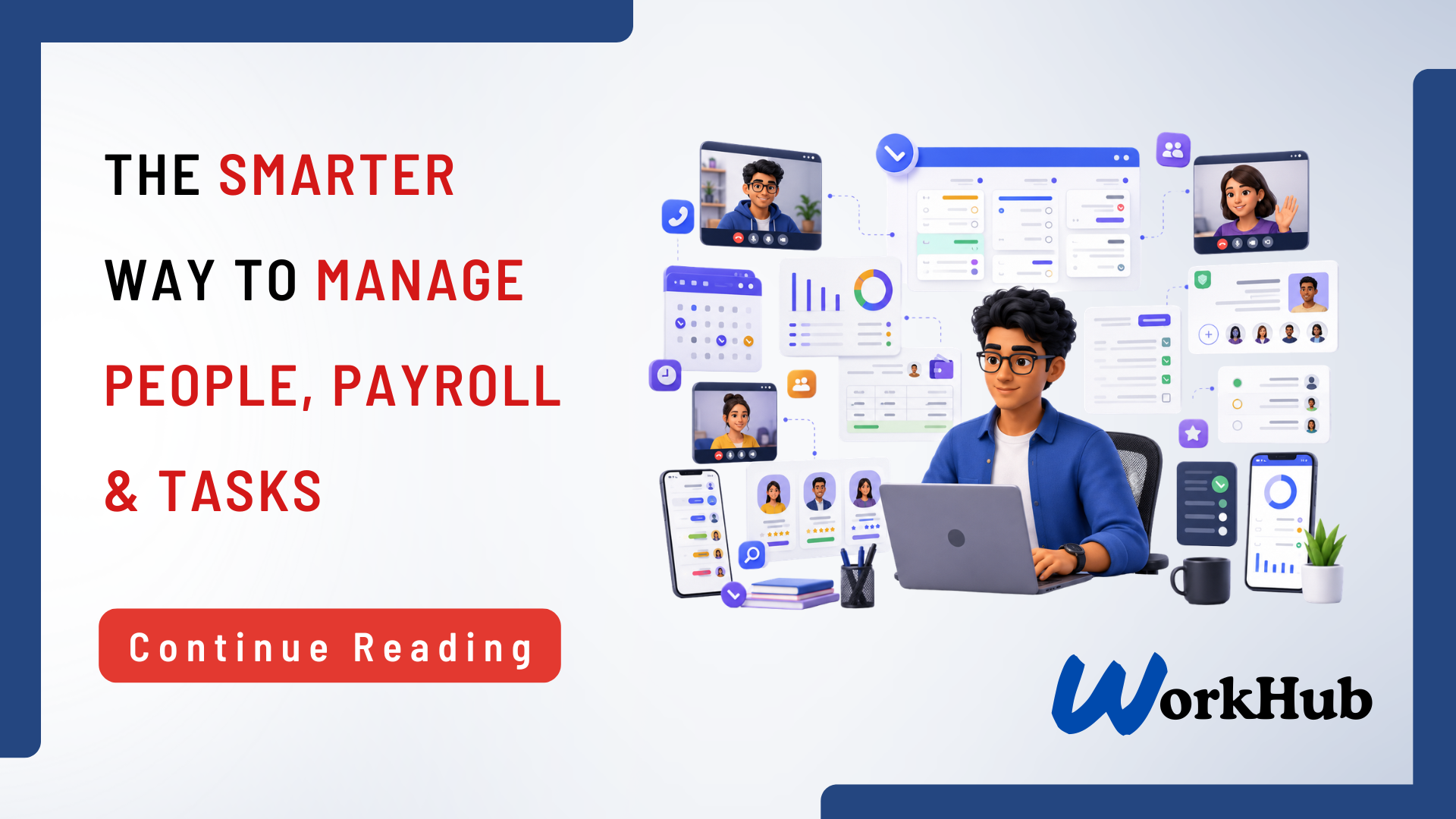
WorkHub, built by JSOFT, connects people, payroll, recruitment, projects, and daily execution in one affordable platform. Instead of splitting them across an HR tool, a spreadsheet, and a chat app. It’s organized into six connected hubs, each covering a piece of how a small or growing business actually runs:
| Hub | What It Covers |
| People Hub | Employee profiles, documents, roles, departments, onboarding, and offboarding |
| Time Hub | Attendance, shifts, late records, overtime, holidays and timesheets |
| Leave Hub | Leave types, balances, requests, approvals and the team calendar |
| Pay Hub | Salary setup, allowances, deductions, overtime, payslips and payroll history |
| Hire Hub | Job openings, candidates, interview stages, notes and offer tracking |
| Work Hub | Projects, tasks, priorities, deadlines, comments, files and progress |
Because attendance, leave, payroll, hiring, and task management all live in the same system, information doesn’t need to be re-entered or reconciled across tools, a leave approval in the Leave Hub reflects automatically in attendance and payroll, and a task in the Work Hub sits alongside the same employee record used everywhere else.
The Workplace That Fits in Every Employee’s Pocket
WorkHub is available as both a web dashboard and a mobile app, so day-to-day HR and task activity isn’t tied to a desk:
• Employees can: clock in and view attendance history, request leave and check balances, and manage tasks and status updates from their phone.
• Managers can: access pay slips and employee information, approve leave, and review team activity on the go.
WorkHub Pricing
WorkHub’s Small Team plan is built for companies with up to 20 employees, priced at LKR 50,000 per year, and includes all core modules, the web dashboard and mobile app, product updates, and free setup with basic data import. Businesses with more than 20 employees, multiple locations, or specific integration and reporting needs can move to a Custom Plan, quoted after JSOFT reviews their employee count, locations, and requirements.
What to Look for in a Task and Team Management Platform
1. A single shared view of tasks, owners, and deadlines across the whole team.
2. Attendance, leave, and payroll are handled in the same system as task tracking, not as separate tools.
3. Workload and team visibility for managers, so overload and gaps are caught early.
4. Mobile access, so employees and managers can handle tasks, leave, and attendance from anywhere.
5. Transparent, scalable pricing, so the cost stays predictable as the team grows.
Frequently Asked Questions
Is WorkHub just a task management tool, or does it do more?
WorkHub connects six areas of running a business; people, time, leave, payroll, hiring, and work — in one platform, rather than handling tasks alone.
Will switching to WorkHub require retraining our whole team?
WorkHub is designed for fast onboarding, with a mobile app and web dashboard covering the day-to-day actions employees and managers already do. Clocking in, requesting leave, and updating tasks, in one familiar place.
Can WorkHub replace the separate HR, payroll, and task tools we use now?
In most small-team setups, yes. WorkHub is built specifically to bring attendance, leave, payroll, recruitment, and task tracking into a single system instead of several disconnected ones.
How much does WorkHub cost for a small team?
The Small Team plan covers up to 20 employees for LKR 50,000 per year, including all core modules, the web dashboard and mobile app, product updates, and free setup with basic data import.
What if our company has more than 20 employees or multiple locations?
A Custom Plan is available, with pricing based on employee count, number of locations, onboarding needs, and any additional integrations or reporting requirements.
Tired of running attendance, leave, payroll, and tasks through separate tools?
See how WorkHub brings your people, payroll, hiring, and daily task management into one affordable platform.