Employee-Task-Management-JSOFT
August 19, 2026

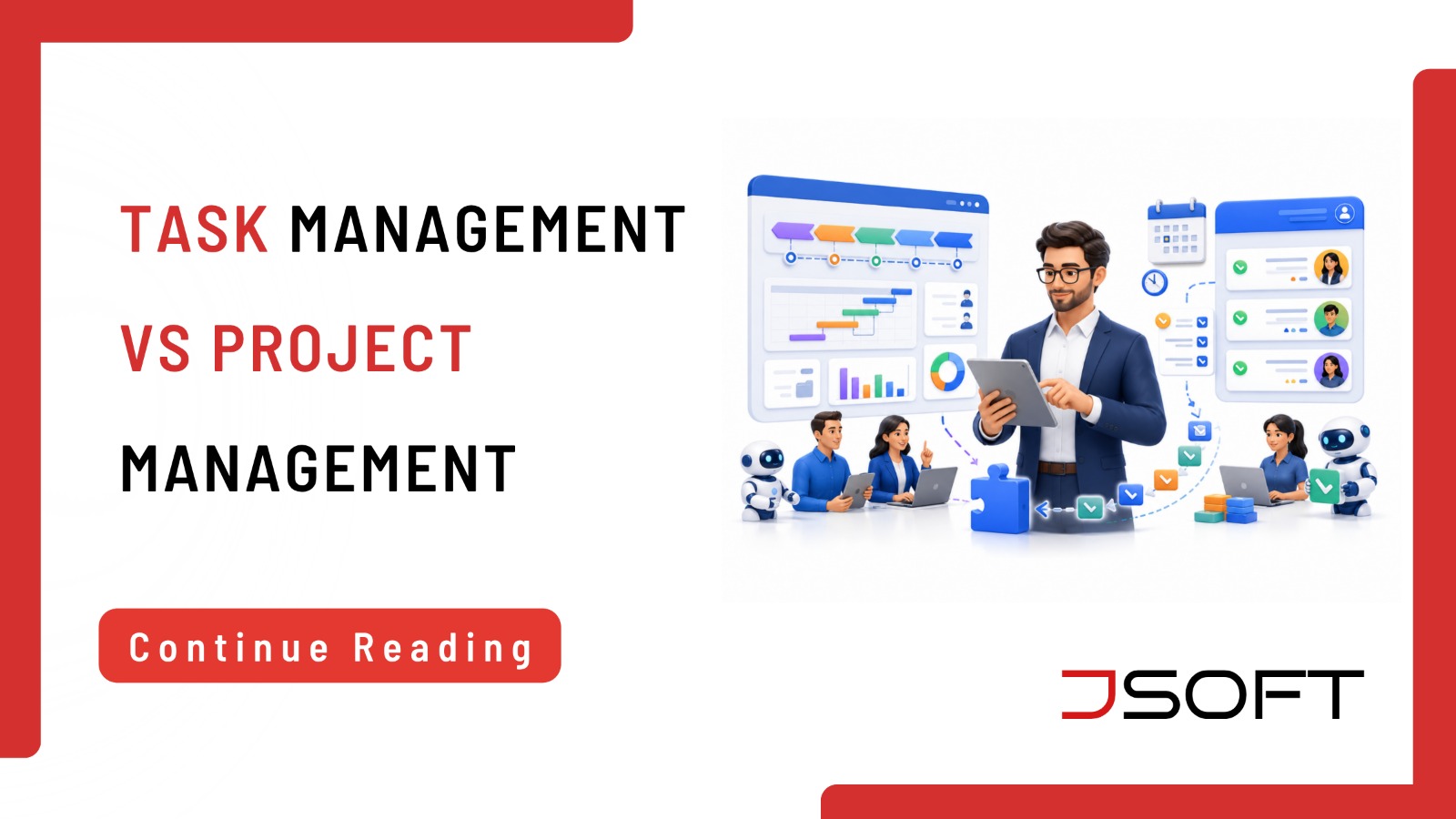
Managing employees effectively requires more than simply assigning work. Businesses need to know what employees are working on, which tasks are pending, what deadlines need attention, and whether projects are progressing according to plan. This is where employee task management and project management become important.

Although these terms are often used together, they serve different purposes. Employee task management focuses on assigning, tracking, and completing individual tasks, while project management focuses on coordinating multiple tasks, people, resources, deadlines, and objectives to achieve a specific business outcome.

Understanding the difference can help businesses choose the right tools and processes for improving productivity.

What Is Employee Task Management?

Employee task management is the process of creating, assigning, tracking, prioritizing, and completing tasks performed by employees.

A task might be responding to a customer inquiry, preparing a report, calling a client, updating a database, creating social media content, following up with a supplier, or completing an administrative activity.

Task management helps employees and managers understand what needs to be done and when it needs to be completed.

What Is Project Management?

Project management is the process of planning and coordinating resources, people, activities, and timelines to achieve a defined objective.

A project normally has a specific goal, a beginning and end, multiple activities, assigned responsibilities, deadlines, resources, dependencies, and expected outcomes.

Employee Task Management vs Project Management

The simplest way to understand the difference is to think about individual work versus coordinated outcomes.

Employee task management focuses on individual activities, while project management focuses on coordinating multiple activities to achieve a larger goal.

Why Employee Task Management Matters

Without clear task management, employees may struggle to prioritize their work.

Common workplace problems include missed deadlines, forgotten tasks, unclear responsibilities, repeated work, poor communication, uneven workloads, and difficulty tracking employee productivity.

A centralized task management system can provide a central place to organize work.

Why Project Management Matters

Project management becomes particularly important when several employees or departments are working toward a shared goal.

For example, launching a new business website can involve designers, developers, content writers, SEO specialists, and management. Project management helps connect tasks and ensure the overall project remains on track.

5 Key Differences Between Task Management and Project Management

1. Scope

Task management generally focuses on individual activities. Project management covers the broader objective and all activities required to achieve it.

2. Complexity

A task may be relatively simple. Projects can contain hundreds of tasks, multiple teams, dependencies, and milestones.

3. Timeframe

Tasks may take minutes, hours, or days. Projects can continue for weeks, months, or longer.

4. Collaboration

Task management can involve individual employees. Projects often require collaboration between multiple employees or departments.

5. Reporting

Task management may focus on completion status. Project management may require reporting on budget, timeline, milestones, resources, risks, dependencies, and overall progress.

Can Employee Task Management and Project Management Work Together?

Yes. A project can be divided into multiple tasks. For example, a website project can include researching keywords, preparing the website structure, creating wireframes, designing pages, developing the website, writing content, performing SEO, testing, and launching.

Project management tracks the overall website launch, while employee task management tracks who is responsible for each activity and whether individual tasks are completed.

Signs Your Business Needs Better Task Management

Your business may benefit from improved task management if employees frequently forget assignments, managers constantly ask for updates, deadlines are missed, employees are unsure about priorities, work is duplicated, tasks are assigned through multiple channels, or managers cannot easily see workloads.

Signs Your Business Needs Project Management

Project management becomes more important when multiple departments are involved, projects have strict deadlines, tasks depend on one another, several milestones must be tracked, managers need progress reports, resources need to be coordinated, or projects involve significant budgets.

How Task Management Can Improve Employee Productivity

Effective task management can help employees understand what needs to be done, when it needs to be completed, which task is most important, who is responsible, and what has already been completed.

Managers also gain better visibility into workloads and bottlenecks.

How JSOFT Can Help Businesses Manage Work More Efficiently

Managing employee tasks becomes more challenging as a business grows. When tasks are assigned through WhatsApp messages, emails, spreadsheets, or verbal instructions, it can become difficult to know what has been assigned, who is responsible, which deadlines are approaching, and what work has already been completed.

This is where a centralized platform such as WorkHub can help businesses bring employee management and daily work activities together in one place.

WorkHub connects people management with day-to-day business execution, including projects and tasks, priorities, deadlines, comments, files, and progress. It also brings together areas such as employee profiles, attendance, leave, payroll, recruitment, and work management within one platform.

For businesses looking to improve employee task management, WorkHub provides features that can help teams:

  • Create and assign tasks
  • Set priorities and deadlines
  • Track task progress
  • Manage projects
  • Add comments and files
  • Monitor team activity
  • Manage employee information
  • Track attendance and leave
  • Manage payroll-related information
  • Support recruitment and employee onboarding

By bringing these functions together, businesses can reduce the need to manage employee information and daily work through multiple disconnected tools.

For example, a manager can use WorkHub to assign a task to an employee, set its deadline and priority, monitor its progress, and keep relevant comments or files connected to the work. This provides greater visibility than relying on scattered messages or spreadsheets.

WorkHub is designed to support both employee management and task/project management, making it particularly relevant for businesses that want to improve productivity while keeping their workplace processes organized.

Which One Does Your Business Need?

Choose employee task management when the objective is to assign employee tasks, track individual work, manage deadlines, monitor workloads, and improve accountability.

Choose project management when you need to coordinate multiple teams, manage complex projects, track milestones, manage dependencies, and monitor project budgets and timelines.

For many businesses, the best solution is to use task management as part of a broader project management process.

Final Thoughts on Employee Task Management vs Project Management

Employee task management and project management serve different purposes, but they work best when they are connected.

Task management focuses on the individual activities employees need to complete, while project management provides a broader view of how multiple tasks, people, deadlines, and resources contribute to a shared business objective.

For growing businesses, managing these activities through disconnected tools can create unnecessary administrative work and make it harder for managers to understand what is happening across the organization.

A centralized platform can provide a clearer view of both employees and their work. With WorkHub, JSOFT brings employee information, attendance, leave, payroll, recruitment, projects, and daily task management together in one platform. This can help businesses create a more organized approach to managing people and work.

The right solution is therefore not simply about choosing between employee task management and project management. It is about finding a system that allows both to work together and gives employees and managers the visibility they need to work more efficiently.

For Sri Lankan businesses looking to improve employee productivity, accountability, and day-to-day work management, WorkHub provides a practical way to bring these processes together in one platform.

Contact JSOFT to get quote details on WorkHub.

Frequently Asked Questions

What is employee task management?

Employee task management involves assigning, prioritizing, tracking, and completing individual employee tasks.

What is project management?

Project management involves planning and coordinating people, tasks, resources, timelines, and activities to achieve a specific objective.

Is task management the same as project management?

No. Task management focuses on individual activities, while project management focuses on coordinating multiple activities to achieve a larger goal.

Can task management be part of project management?

Yes. Individual tasks are often the building blocks of larger projects.

Which is better for a small business?

Small businesses may benefit from both. Task management can help organize everyday work, while project management can help coordinate larger initiatives.

How does task management improve productivity?

It provides employees with clearer priorities, deadlines, responsibilities, and progress visibility.

Business-processes-to-automate-JSOFT
July 23, 2026

Automation isn’t just for large enterprises with dedicated IT teams anymore. Purpose-built, affordable software now lets small and mid-sized businesses automate the repetitive processes that quietly consume hours every week, freeing staff to focus on work that actually needs human judgment. The challenge is knowing where to start. Below are ten of the highest-impact processes businesses typically automate first, several of which JSOFT already offers ready-made software for.

Why Process Automation Matters Now

Manual processes don’t just cost time. They introduce errors, create bottlenecks when key staff is unavailable, and make it hard to scale without proportionally growing headcount. Automating the right processes lets a business handle more volume with the same team, while reducing the small mistakes that come from repetitive manual work.

The Top 12 Business Processes to Automate

1. Patient Queue Management

        Doctor’s private Clinics that handle walk-in patients often lose time to manual queue systems: paper tokens, shouted names, and patients with no idea how long they’ll actually wait. A dedicated queue management system Sri Lanka doctor channeling centers can rely on, such as JSOFT’s JQUE, replaces this with a digital queue that manages tokens and wait times automatically, including options built for clinic queue software use cases where patient flow needs to stay organized.

        2. Stock and Inventory Management

          Manual stock counts and spreadsheets make it easy to miss reorder points or discover shortages only after a customer asks. A stock management system Sri Lanka retailers and distributors use, like JSOFT’s JSTOCK, automates inventory tracking and reorder alerts, giving a real-time view of stock levels as part of broader inventory management software practices.

          3. Equipment and Item Rental Tracking

          Businesses that rent out equipment, clothing, or other items often track availability, due dates, and returns manually, which is where items get lost or double-booked. Rental management software that Sri Lankan businesses in this space rely on, such as JSOFT’s JRENT, automates booking, availability, and return tracking, including workflows suited to clothing rental use cases.

          4. Hotel and Room Booking Management

          Juggling room availability, reservations, and check-ins across spreadsheets or over phone calls is a common source of double bookings and missed reservations. Hotel management software Sri Lanka properties depend on, like JSOFT’s JHOST, automates room booking and guest management, functioning as room booking software that keeps front-desk operations running smoothly.

          5. Loan and Micro-Credit Management

          Microfinance providers and lenders who track loans, repayments, and interest manually risk calculation errors and missed follow-ups. Microcredit software Sri Lanka lenders use, such as JSOFT’s JCREDIT, automates loan issuance, repayment schedules, and portfolio tracking as a complete loan management system.

          6. Employee Attendance and Leave Tracking

          Sign-in sheets and leave requests sent over chat or email are easy to lose track of as a team grows. Automating attendance and leave through the Time Hub and Leave Hub in HR management software Sri Lanka businesses use, like JSOFT’s WorkHub, keeps attendance records and leave balances accurate without manual reconciliation.

          7. Payroll Processing

          Calculating salaries, deductions, and overtime by hand each month is time-consuming and prone to error. WorkHub’s Pay Hub automates salary setup, deductions, overtime, and payslip generation, reducing the compliance risk and manual workload of each pay cycle.

          8. Recruitment and Hiring Workflows

          Tracking job openings, candidates, and interview stages across emails and spreadsheets makes hiring slower and easier to lose track of. WorkHub’s Hire Hub automates candidate and interview tracking as part of the same platform used for HR and task management software, keeping recruitment organized end-to-end.

          9. Task Assignment and Follow-ups

          Automatically assigning recurring tasks and sending follow-up reminders keeps work moving without a manager having to chase every item personally. WorkHub handles this as part of the same task management software that also covers attendance, leave, and payroll. So, task tracking isn’t a separate system from the rest of HR.

          10. Approval and Documentation Workflows

          Routing requests, expense approvals, purchase orders, leave requests, and compliance documentation through an automated workflow removes the bottlenecks caused by approvals sitting unread in someone’s inbox. Where a business’s approval process doesn’t fit an existing product, JSOFT builds custom automation around how that specific workflow actually runs.

          11. Point of Sale and Retail Billing (JPOS)

          Cloud JPOS covering billing, inventory tracking, and daily sales reporting, with industry-specific modes (restaurant, salon, grocery, car wash, etc.) and offline capability.

          12. Field Staff Tracking and Route Monitoring (JMAP)

          GPS tracking app JMAP for sales reps, delivery staff, and technicians, covering route monitoring, geo-tagged check-ins, and manager dashboards.

          How to Prioritize What to Automate First

          1. Start with the most repetitive, rules-based process – these automate fastest with the clearest payoff.
          2. Prioritize processes prone to human error, since automation reduces costly mistakes immediately.
          3. Target bottlenecks that depend on one specific person being available.
          4. Choose processes with a measurable time cost today, so the ROI of automating is easy to demonstrate.

          How JSOFT Helps Automate These Processes

          JSOFT offers a suite of ready-made software covering many of the processes above: JQUE for queue management, JSTOCK for stock and inventory, JRENT for rental tracking, JHOST for hotel and room booking, JCREDIT for loan and micro-credit management, JPOS for point-of-sale and billing, JMAP for field staff and route tracking, and WorkHub for HR, attendance, payroll, hiring, and task management in one platform. Where a business’s process doesn’t map neatly to one of these products, JSOFT also builds custom workflow and automation solutions tailored to how that business actually operates rather than forcing it into a generic template.

          Frequently Asked Questions

          Which business process should we automate first?

          Start with whichever repetitive, rules-based process currently costs the most staff time or causes the most errors; queue management, stock tracking, and payroll are common starting points depending on the type of business.

          Is process automation only for large companies?

          No. Many of the highest-impact automations- queue management, stock tracking, payroll, task follow-ups are affordable and quick to implement for small and mid-sized businesses.

          Does JSOFT have ready-made software for these processes, or does everything need to be custom-built?

          JSOFT offers ready-made products for several of these processes, including JQUE, JSTOCK, JRENT, JHOST, JCREDIT, and WorkHub, and builds custom automation for needs that fall outside those.

          Will automation replace our staff?

          Automation typically removes repetitive manual work, freeing staff to focus on higher-value tasks that require judgment, rather than replacing roles outright.

          How long does it take to see results from automating a process?

          Simple automations like queue management or task reminders often show measurable time savings within the first few weeks of implementation.

          Ready to find out which processes are costing you the most time?

          JSOFT’s suite of ready-made tools, from queue management to payroll, can automate this workflow for your business, or we can build something custom around how you actually operate.

          Talk to JSOFT about automating your business processes.

          workplace-productivity-task-management-jsoft
          July 15, 2026

          Lazy teams or bad ideas don’t cause most productivity problems at growing companies. They’re caused by work that’s scattered across too many places. A task lives in a chat message, a status update lives in someone’s inbox, and a deadline exists only in one manager’s head. None of this shows up as a single dramatic failure; it shows up as constant small delays that quietly add up to lost hours every week. Fixing this rarely means adding another app. It means rethinking how tasks are tracked, assigned, and followed through in the first place. Workplace productivity task management is the best solution for these scenarios. Let’s understand more about this.

          Why Task Management Directly Affects Productivity

          Task management isn’t just a to-do list; it’s the operating system for how work actually gets done. When ownership, deadlines, and priorities are clear and visible to everyone, teams spend their time doing the work. When they’re not, teams spend a surprising share of their time simply figuring out what to do next, who’s responsible, and whether something has already been handled. That coordination overhead is often invisible on paper, but it’s one of the highest hidden costs in any growing business.

          Common Task Management Mistakes That Slow Teams Down

          • Tasks live in too many places: chat threads, emails, spreadsheets, and sticky notes, with no single source of truth.
          • Ownership is unclear: a task is assigned in conversation but never formally tracked, so accountability slips.
          • No visibility into workload: managers can’t see who’s overloaded and who has capacity until deadlines are already missed.
          • Status updates are manual: team members spend time writing status reports instead of doing the work itself.
          • Priorities shift without communication: leading to wasted effort on tasks that are no longer top priority.

          What “Smarter” Task Management Actually Looks Like

          • Centralization: every task, deadline, and owner lives in one shared system, not scattered across tools.
          • Automation: recurring tasks, reminders, and status updates occur automatically rather than manually.
          • Visibility: managers and teams can see workload and progress at a glance, without chasing updates.
          • Accountability: every task has a clear owner and a clear deadline, visible to the whole team.

          The Real Cost of Juggling Too Many Tools

          For a lot of small teams, this is what a normal week actually looks like: attendance is tracked in one place, leave requests get sent over chat or email, payroll is calculated in a spreadsheet each month, and tasks get assigned and followed up in WhatsApp. Each of these individually feels manageable. Together, they create a business that runs on chasing; chasing who’s on leave, chasing whether a task was actually done, chasing numbers for payroll before the deadline. None of it shows up as one big failure. It shows up as a slow leak of time and clarity every single week.

          This is also where two common categories of software both fall short in their own way. Typical HR software manages employee records, leave, and payroll. But the actual day-to-day work still happens somewhere else. Typical task or project software manages projects and tasks well, but has no concept of attendance, payroll, or the employee lifecycle around that work. Small teams end up needing both, which usually means paying for and maintaining two disconnected systems instead of one.

          Introducing Workhub: Six Connected Hubs, One Platform

          WorkHub, built by JSOFT, connects people, payroll, recruitment, projects, and daily execution in one affordable platform. Instead of splitting them across an HR tool, a spreadsheet, and a chat app. It’s organized into six connected hubs, each covering a piece of how a small or growing business actually runs:

          HubWhat It Covers
          People HubEmployee profiles, documents, roles, departments, onboarding, and offboarding
          Time HubAttendance, shifts, late records, overtime, holidays and timesheets
          Leave HubLeave types, balances, requests, approvals and the team calendar
          Pay HubSalary setup, allowances, deductions, overtime, payslips and payroll history
          Hire HubJob openings, candidates, interview stages, notes and offer tracking
          Work HubProjects, tasks, priorities, deadlines, comments, files and progress

          Because attendance, leave, payroll, hiring, and task management all live in the same system, information doesn’t need to be re-entered or reconciled across tools, a leave approval in the Leave Hub reflects automatically in attendance and payroll, and a task in the Work Hub sits alongside the same employee record used everywhere else.

          The Workplace That Fits in Every Employee’s Pocket

          WorkHub is available as both a web dashboard and a mobile app, so day-to-day HR and task activity isn’t tied to a desk:

          • Employees can: clock in and view attendance history, request leave and check balances, and manage tasks and status updates from their phone.

          • Managers can: access pay slips and employee information, approve leave, and review team activity on the go.

          WorkHub Pricing

          WorkHub’s Small Team plan is built for companies with up to 20 employees, priced at LKR 50,000 per year, and includes all core modules, the web dashboard and mobile app, product updates, and free setup with basic data import. Businesses with more than 20 employees, multiple locations, or specific integration and reporting needs can move to a Custom Plan, quoted after JSOFT reviews their employee count, locations, and requirements.

          What to Look for in a Task and Team Management Platform

          1. A single shared view of tasks, owners, and deadlines across the whole team.

          2. Attendance, leave, and payroll are handled in the same system as task tracking, not as separate tools.

          3. Workload and team visibility for managers, so overload and gaps are caught early.

          4. Mobile access, so employees and managers can handle tasks, leave, and attendance from anywhere.

          5. Transparent, scalable pricing, so the cost stays predictable as the team grows.

          Frequently Asked Questions

          Is WorkHub just a task management tool, or does it do more?

          WorkHub connects six areas of running a business; people, time, leave, payroll, hiring, and work — in one platform, rather than handling tasks alone.

          Will switching to WorkHub require retraining our whole team?

          WorkHub is designed for fast onboarding, with a mobile app and web dashboard covering the day-to-day actions employees and managers already do. Clocking in, requesting leave, and updating tasks, in one familiar place.

          Can WorkHub replace the separate HR, payroll, and task tools we use now?

          In most small-team setups, yes. WorkHub is built specifically to bring attendance, leave, payroll, recruitment, and task tracking into a single system instead of several disconnected ones.

          How much does WorkHub cost for a small team?

          The Small Team plan covers up to 20 employees for LKR 50,000 per year, including all core modules, the web dashboard and mobile app, product updates, and free setup with basic data import.

          What if our company has more than 20 employees or multiple locations?

          A Custom Plan is available, with pricing based on employee count, number of locations, onboarding needs, and any additional integrations or reporting requirements.

          Tired of running attendance, leave, payroll, and tasks through separate tools?

          See how WorkHub brings your people, payroll, hiring, and daily task management into one affordable platform.

          Request a WorkHub quote from JSOFT today.

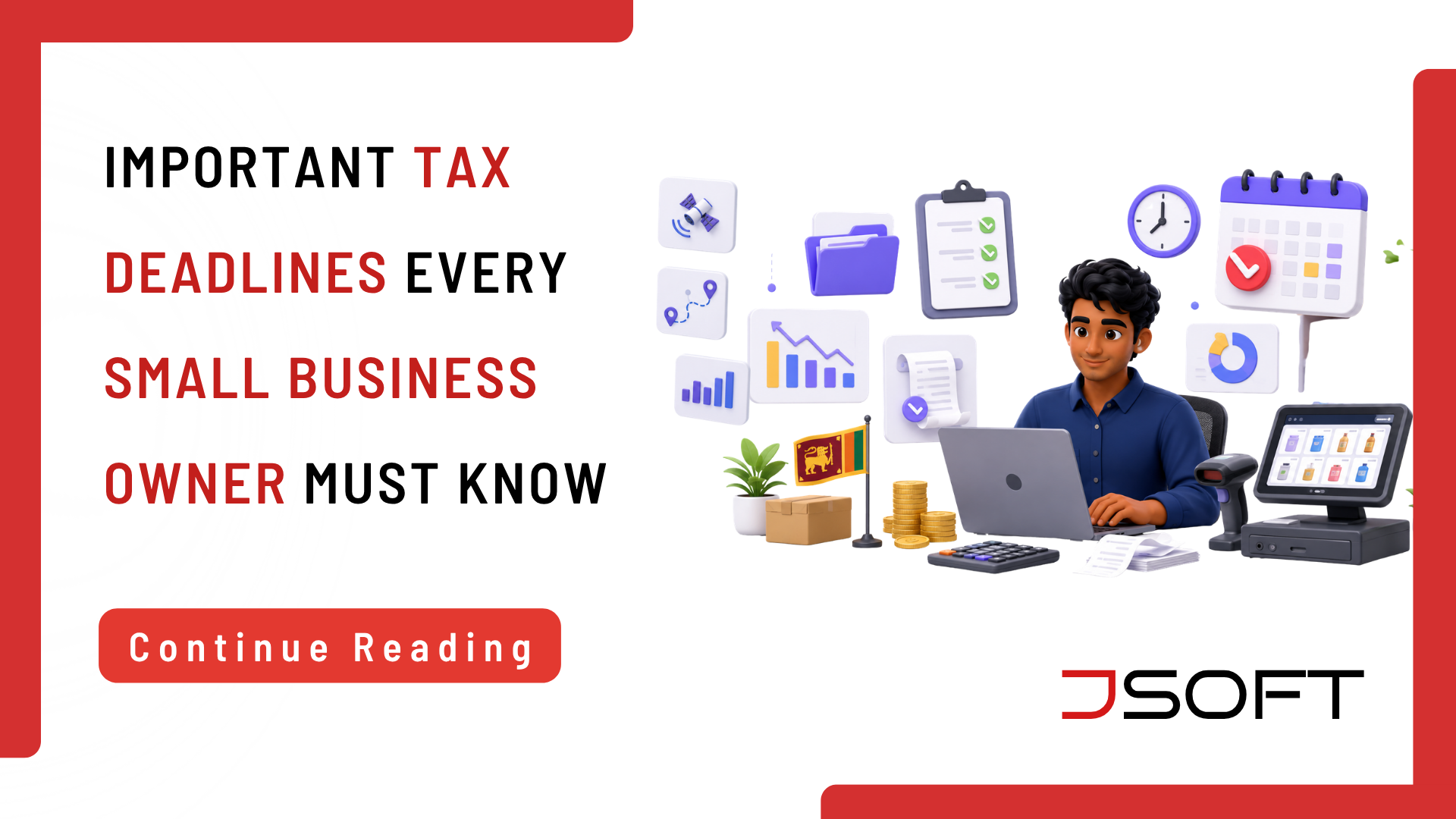
          SME-Tax-Guide-in-Sri-Lanka-JSOFT
          June 23, 2026

          Business Registration & Tax Structure

          Sole Proprietorship -Taxed under Individual Income Tax (IIT)

          Limited Liability Companies -Taxed under Corporate Income Tax (CIT)

          Tax Year (Year of Assessment) – Begins 01st April and ends 31st March of the following year

          Income Tax

          A) Individual Income Tax (IIT) Slabs

          Calculated progressively based on net taxable profit after applying a Rs. 1,800,000 tax-free personal relief allowance

          • Progressive Tax Rate for Individual Income Tax
          First 1,800,000.00Tax Free
          Next 1,000,000.006%
          Next 500,000.0018%
          Next 500,000.0024%
          Next 500,000.0030%
          Balance36%

          B) Corporate Income Tax Rate

          Standard Corporate Rate: 30% on the organization’s tax profit

          Note: Concessionary rates of 15% apply strictly to qualifying Service Exports remitted via local banks.

          C) Crucial Deadlines & Timeline

          Income tax is paid in four quarterly installments based on a fair estimate made at the start of the year.

          Start of Tax Year – April 1
          Q1 Payment DueAugust 15
          Q2 Payment DueNovember 15
          Q3 Payment DueFebruary 15 (Following Year)
          Q4 Payment DueMay 15 (Following Year)
          End of Tax Year – March 31
          Final Balance SettlementSeptember 30
          Annual Return SubmissionNovember 30
          • Final Settlement: If actual tax liability exceeds estimated quarterly payments, settle the difference by 30th September
          • Return Submission: The final annual tax return must be filed on or before 30th November

          APIT / PAYE (Employment Income)

          A) Liability– Employees earning a monthly employment income of more than Rs 150,000.00 per month

          B) Responsibility– The Employer is legally required to deduct the applicable tax amount from the employee’s salary and remit the same to the Inland Revenue account.

          C) Tax Payment– APIT/PAYE payments related to the previous month should be completed before the 15th of the following month

          D) Return Submission– on or before 30th April of the following year

          Withholding Tax (WHT)

          Applicable when businesses make specified payments under the Inland Revenue Act.

          A) Liability– The liability to deduct WHT arises only for specified payments under the Inland Revenue Act. Generally, a person (individual, partnership, company, NGO, trust, etc.) making the following payments should be required to deduct WHT.

          • Rent paid to a resident individual (where aggregate monthly rent exceeds Rs. 100,000) – 10%
          • Certain service fees paid to resident individuals (professional services, commissions, teaching, lecturing, etc.) where the monthly payment exceeds Rs. 100,000 – 5%

          In addition to the two payments above, several more payments need to be added to the list. We have mentioned only the most relevant payments that occurred in Small Business.

          B) Responsibility– The Person/business making the payment must deduct the WHT and remit it to the IRD.

          C) Tax Payment– WHT payments related to the previous month should be completed before the 15th of the following month

          D) Return Submission– on or before 30th April of the following year

          Stamp Duty

          A) Liability– Any physical receipt, payment voucher, salary slip, or discharge voucher given for cash/property exceeding Rs. 25,000 requires a Rs. 25 stamp duty

          B) Tax Payment– Can be paid by physically affixing stamps or via Registered Compounding Stamp Duty

          C) Compounded Deadlines (Quarterly)– Payments and return submissions share the identical dates below

          01st Quarter Paymenton or before 15th August
          02nd Quarter Paymenton or before 15th November
          03rd Quarter Paymenton or before 15th February of the following year
          04th Quarter Paymenton or before 15th May of the following year

          Please note that EPF and ETF are administered under labour law, not tax law.

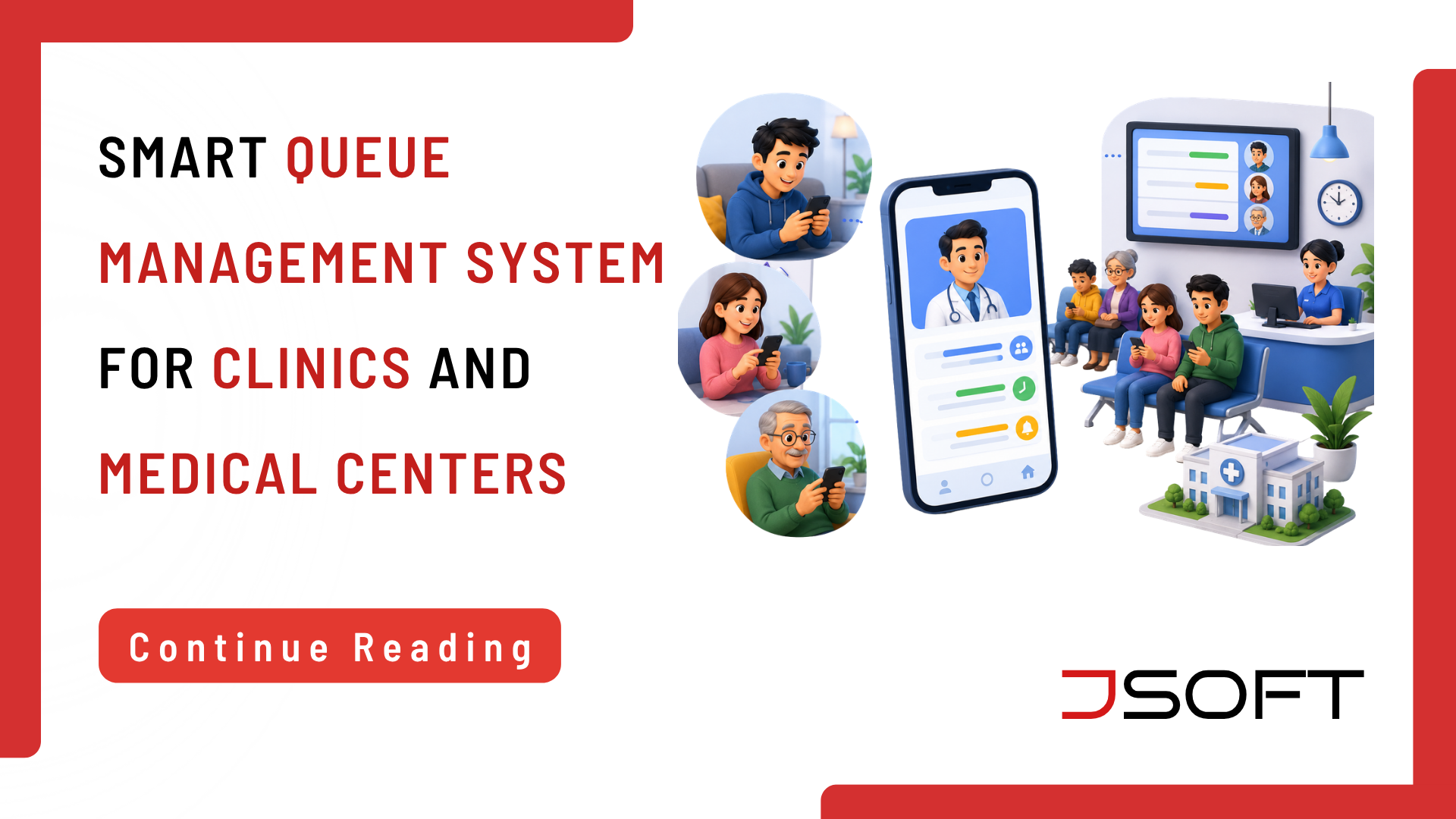
          June 22, 2026

          Long waiting times are one of the biggest frustrations patients face when visiting clinics and hospitals. Many people spend hours sitting in crowded waiting rooms without knowing when their consultation will begin.

          A smart queue management system helps solve this problem by digitally organizing patient flow. Patients can receive live updates about their queue position, estimated waiting time, and doctor availability.

          JQUE by JSOFT is designed to improve clinic queue management through real-time queue tracking, digital queue displays, and mobile queue monitoring. As a result, clinics can improve efficiency while patients enjoy a smoother healthcare experience.

          What Is a Smart Queue Management System?

          A smart queue management system enhances patient flow in clinics and hospitals by using real-time digital updates rather than manual methods. Traditional systems often lead to confusion and long waits, causing stress for patients unaware of their queue status. In contrast, modern digital solutions enable patients to track their position and arrival time, reducing overcrowding.

          JQUE by JSOFT is specialized software for Sri Lankan healthcare providers, offering real-time tracking via a digital display and mobile updates, thereby improving service efficiency.

          Common Problems Patients Face in Traditional Queue Systems

          Traditional queue systems in clinics and hospitals present challenges, such as long wait times and unclear communication about patient status, which can lead to stress. Crowded waiting areas increase discomfort and health risks, while manual systems can cause errors in queue management. Implementing a smart queue management system like JQUE by JSOFT is essential for enhancing efficiency and patient satisfaction, enabling faster, more convenient service.

          How JQUE Helps Patients Track Their Doctor Queue from Home

          JQUE by JSOFT enables patients to remotely monitor their doctor queue status, allowing them to check updates from home or while traveling, rather than waiting at the clinic. The system offers real-time information on queue progress and estimated waiting times, helping patients plan their arrivals and avoid unnecessary delays.

          This mobile monitoring is particularly beneficial for parents, the elderly, and busy professionals, while also reducing clinic overcrowding. Additionally, it improves queue management for healthcare providers by minimizing the time staff spend addressing patient inquiries about queues, thus enhancing clinic efficiency.

          Benefits of Digital Queue Management for Clinics

          Digital queue management enhances patient service and operational efficiency in clinics. It effectively organizes patient flow, reduces waiting room congestion, and automates updates, allowing staff to focus on patient care. Patients benefit from real-time doctor queue tracking and mobile updates, resulting in less crowded environments.

          JQUE by JSOFT facilitates better communication and workflow management, enabling healthcare providers to monitor patient flow and optimize scheduling, contributing to a more professional healthcare environment.

          How Real-Time Queue Tracking Improves Patient Experience

          Real-time queue tracking enhances patient comfort and information during clinic visits by allowing them to monitor their queue position remotely via mobile devices or digital displays. JQUE by JSOFT eliminates the need for patients, particularly the elderly, pregnant women, and parents with children, to wait in crowded areas. This system reduces queue-related inquiries for staff and boosts patient confidence, ultimately improving satisfaction and clinic efficiency.

          Why Sri Lankan Medical Centers Need Smart Queue Systems

          Sri Lanka’s healthcare providers face rising patient volumes and service expectations, leading to inefficiencies with traditional manual queue systems. These outdated methods result in delays and poor communication, frustrating patients unable to track their progress. A digital queue system, such as JQUE by JSOFT, enhances patient convenience and operational efficiency by providing real-time updates and effective patient flow management. This digital solution promotes better service quality and increases patient satisfaction in modern healthcare settings.

          Key Features of JQUE by JSOFT

          JQUE by JSOFT includes several features designed to improve clinic queue management and patient convenience. The system combines modern technology with user-friendly functionality.

          One important feature is real-time queue tracking. Patients can monitor the progress of their consultation remotely and receive live updates on their queue status. As a result, waiting room congestion can be reduced significantly.

          The platform also includes digital queue displays and mobile queue monitoring. Patients can access updates through smartphones or connected devices. Meanwhile, healthcare providers can organize patient flow more effectively.

          JQUE by JSOFT also supports IoT display integration and automated queue management. Therefore, clinics can improve communication, reduce manual coordination work, and create a more efficient healthcare environment.

          Final Thoughts on Modernizing Clinic Queue Management

          Modern healthcare services require efficient systems that improve both patient convenience and operational performance. Traditional queue systems are no longer suitable for busy clinics handling large patient volumes.

          A smart queue management system helps healthcare providers reduce waiting times and improve organization. JQUE by JSOFT allows clinics to modernize operations through digital queue monitoring and real-time doctor queue tracking.

          Patients now expect transparent and technology-driven healthcare services. Because of this, clinics must adopt digital systems that improve communication and service quality.

          JQUE by JSOFT provides a reliable digital queue system that Sri Lankan healthcare providers can trust. Therefore, clinics and hospitals can improve patient satisfaction while creating a more organized and efficient healthcare experience.

          Upgrade Your Clinic with JQUE by JSOFT

          Reduce patient waiting time and improve clinic efficiency with the smart queue management solution developed by JSOFT.

          Services Include:

          • Real-Time Queue Tracking
          • Digital Queue Display
          • Mobile Queue Monitoring
          • Clinic Queue Management
          • Patient Experience Improvement
          IoT Display Integration

          Contact Us for more information.

          FAQ

          What is a smart queue management system?

          A smart queue management system is a digital platform that helps clinics and hospitals manage patient queues through real-time updates and automated tracking.

          How does JQUE help patients track queues from home?

          JQUE by JSOFT provides live queue updates through mobile and digital platforms, allowing patients to monitor their queue status remotely.

          Why do clinics need digital queue systems?

          Digital queue systems reduce waiting room congestion, improve communication, and help clinics manage patient flow more efficiently.

          Can JQUE be used in hospitals and medical centers?

          Yes. JQUE by JSOFT is suitable for clinics, hospitals, and medical centers of different sizes.

          What are the benefits of real-time queue tracking?

          Real-time queue tracking improves convenience, reduces uncertainty, and helps patients manage their time more effectively.

          How does JQUE improve patient satisfaction?

          JQUE improves patient satisfaction by reducing wait times, providing real-time queue updates, and streamlining clinic operations.

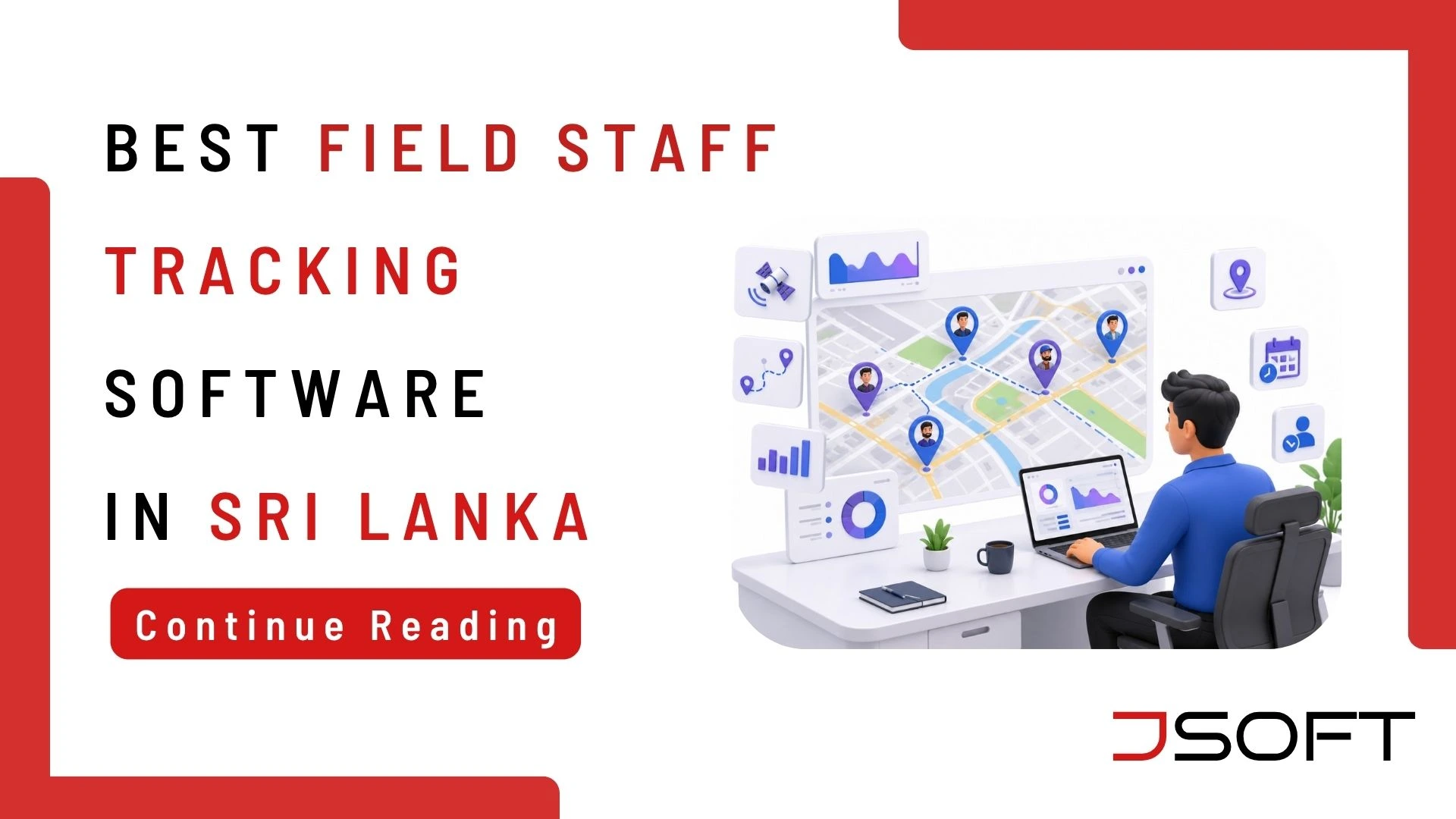
          field staff tracking software sri lanka
          May 20, 2026

          If you manage a field team in Sri Lanka, you already know the frustration. You send staff out in the morning and have no real visibility into where they are, whether they arrived on time, or how productive their day has actually been. Manual attendance sheets get lost or manipulated. Phone calls waste time on both sides. And at the end of the day, you receive reports that tell you very little about what really happened out in the field.

          These are not minor inconveniences. Fake attendance, inefficient routes, and poor accountability cost businesses real money every single day. This is exactly the problem that field staff tracking software Sri Lanka businesses are now solving with JMAP software – a purpose-built employee tracking system Sri Lanka field teams can use directly from their existing mobile phones, with no hardware required and no complex setup.

          Challenges in Managing Field Staff

          Lack of real-time visibility is the most common pain point reported by businesses managing field teams. When your sales representatives, delivery drivers, or service technicians are spread across the city, knowing their exact location and work status in real time is nearly impossible without a dedicated field employee monitoring system. Managers end up relying on self-reported updates that are difficult to verify and easy to manipulate.

          Manual attendance tracking creates serious downstream problems. Paper sign-in sheets can be filled in hours late or filled in by a colleague on behalf of someone who has not arrived. Without a reliable attendance tracking app, businesses in Sri Lanka routinely pay for hours that were never actually worked, with no clear audit trail to investigate.

          Poor accountability follows naturally from both. When field staff know there is no systematic oversight in place, productivity drops, routes get stretched beyond necessity, and client visits get skipped entirely. A robust employee tracking system that Sri Lankan businesses deploy consistently sends a clear message to the workforce: performance is measured, recorded, and reviewed.

          What is Field Staff Tracking Software?

          Field staff tracking software is a digital workforce management software solution that enables businesses to monitor, manage, and communicate with remote and mobile employees in real time. It typically brings together GPS location tracking, digital attendance, route monitoring, task assignment, visit logging, and automated reporting into a single platform accessible from a smartphone.

          Businesses across Sri Lanka use field staff tracking software to replace manual systems for roles including sales representatives, security guards, delivery drivers, maintenance technicians, and any position that operates away from a fixed office. The best systems – including JMAP software – are designed to run on standard Android smartphones, requiring no additional hardware investment and no complex technical setup for staff in the field.

          Key Features of JMAP Software

          • Real-time location tracking: Live GPS tracking of every field staff member from a central manager dashboard. Know exactly where every team member is at any given moment – without making a single phone call.
          • Attendance and check-ins: The attendance tracking app functionality in JMAP allows staff to clock in and out with GPS-verified location stamps, eliminating fake attendance and ensuring that records are always accurate and time-stamped.
          • Route tracking: JMAP software records the complete travel route of each field employee throughout the working day, giving managers clear visibility into time spent in transit versus time spent productively on site.
          • Visit logs and reports: Every client or location visit is automatically logged with timestamps, GPS coordinates, and staff notes. End-of-day activity reports are generated automatically – no manual writeups, no delays, no missing information.
          • Manager dashboard: A central, real-time view of all field staff, their current locations, completed visits, and daily activity – accessible from any device with an internet connection, from anywhere.

          Benefits of Using JMAP for Businesses

          Increased productivity is the most immediate benefit businesses report after deploying a field staff tracking software solution in Sri Lanka. When staff know their routes, check-ins, and visit logs are tracked in real time, time-wasting behaviour drops measurably. GPS-tracked field teams consistently complete more verified visits per working day than untracked counterparts operating under the same conditions.

          Better monitoring allows managers to shift from reactive firefighting to proactive workforce management software oversight. Instead of calling individual staff members to find out where they are, managers see the full operational picture on a single dashboard and can intervene only where and when it is genuinely necessary.

          Reduced operational costs result directly from eliminating time theft, optimising travel routes to reduce fuel consumption, and verifying overtime claims against actual GPS data before approving payment. For businesses managing 10 or more field staff, the cost savings from deploying an employee tracking system in Sri Lanka typically exceed the software investment within the first month of consistent use.

          Industries That Benefit from JMAP Field Staff Tracking Software

          IndustryHow JMAP Helps
          Security CompaniesGuard checkpoint logging, shift attendance tracking
          Delivery & LogisticsRoute optimisation, proof of delivery, driver real-time location monitoring
          Sales TeamsClient visit logs, daily call reports, territory coverage tracking
          Service ProvidersTechnician dispatch, job completion records, time-on-site logs

          Across all of these industries, the core value of JMAP software as a field employee monitoring system is consistent: replacing guesswork and manual reporting with accurate, real-time data about where your workforce is deployed and what it is actually delivering.

          How JMAP Improves Daily Operations

          Transparent workforce: When every field employee knows that their location, attendance, and visit activity is being tracked objectively by the field employee monitoring system, behaviour shifts – without requiring constant micromanagement from supervisors. Unofficial extended breaks, unauthorised route diversions, and inaccurate visit reporting all reduce when staff understand that the system provides a clear, automatic record of the working day.

          Better planning: With historical route data and visit logs from the attendance tracking app, managers can identify patterns over time – which areas consistently take longer to cover, which routes are inefficient, and which client accounts require more allocated time. Workforce management software scheduling decisions become evidence-based rather than assumption-based.

          Data-driven decisions: JMAP software generates automated daily and weekly reports, giving management a clear, factual view of field team productivity over time. Rather than relying on anecdotal updates and verbal briefings, businesses can track KPIs such as visits completed per day, average time on site, attendance compliance rates, and route coverage – and use that data to make better, faster operational decisions.

          How to Choose the Right Tracking Software

          Ease of use: Field staff should be able to operate the employee tracking system Sri Lanka on their own existing smartphones without technical training or IT assistance. If the app is difficult to set up or frequently requires troubleshooting, adoption will fail regardless of the features it offers.

          Mobile compatibility: The best field staff tracking software Sri Lanka solutions run on standard Android devices – no dedicated GPS hardware, no additional cost to equip each team member with specialist equipment.

          Reporting features: Look for automated daily reports, visit logs, attendance summaries, and route histories. A workforce management software solution that still requires manual data export or spreadsheet compilation defeats the core purpose of deploying an automated system.

          Local support: For businesses operating in Sri Lanka, having a support team that understands local business conditions and is reachable during Sri Lankan working hours matters. JMAP software is built and supported by JSOFT’s local team, with no offshore support delays.

          Scalability: Whether you manage 5 field staff or 500, the field employee monitoring system should scale to your needs without requiring a platform migration or a separate enterprise-tier agreement.

          Final Thoughts on Field Staff Tracking Software

          Managing a field team without a field staff tracking software solution in Sri Lanka in 2026 is increasingly difficult to justify. The tools are accessible, the setup is straightforward, and the operational benefits – better visibility, reduced time theft, stronger accountability, and data-driven planning – are well documented across every industry that has made the transition.

          JMAP software gives Sri Lankan businesses of all sizes a practical, mobile-first employee tracking system that Sri Lankan field teams can adopt quickly. With local support, no hardware requirements, and automated reports that make daily workforce management genuinely easier, JMAP is built for businesses that run on the work of people in the field.

          Read also: Why Digitalising Your Small Business Is a Game-Changer and What Is the ROI of Digitalisation for Sri Lankan SMEs?.

          Take Control of Your Field Team with Smart Tracking

          Start using JMAP today for better workforce management – real-time GPS tracking, digital attendance, route monitoring, and automated daily reports in one app.

          Call: 077 630 6303 | Email: info@jsoft.lk

          Visit: jsoft.lk

          Frequently Asked Questions

          Q: What is field staff tracking software?

          A: Field staff tracking software is a digital tool that allows businesses to monitor the real-time location, attendance, and work activity of employees who operate outside a fixed office environment. It uses GPS technology and a mobile app to record check-ins, travel routes, visit logs, and productivity data – replacing manual reporting systems with accurate, automated records accessible to managers from a central dashboard.

          Q: How does an employee tracking system improve productivity?

          A: When field staff know their movements and activities are recorded in real time by a field employee monitoring system, time-wasting behaviour decreases and accountability increases. Managers can identify route inefficiencies, verify client visits against GPS records, and make staffing decisions based on actual performance data rather than self-reported updates. Most businesses see measurable productivity improvements within the first few weeks of deploying an employee tracking system in Sri Lanka.

          Q: Is JMAP suitable for small businesses?

          A: Yes. JMAP software is specifically designed to be affordable and straightforward to deploy for small and medium businesses in Sri Lanka. No dedicated hardware is required – field staff use their existing Android smartphones. Whether you manage 3 field employees or 300, JMAP scales to your operational needs. Contact JSOFT for current pricing and setup information.

          Q: Can tracking software work on mobile phones?

          A: Yes. JMAP software is a mobile-first field staff tracking software Sri Lanka solution designed to run on standard Android smartphones. Field staff download the app, log in with their credentials, and their location and activity are tracked automatically throughout the working day. No dedicated GPS devices, specialist hardware, or technical setup is required on the staff side – just an Android smartphone and an active internet connection

          Q: Is employee tracking legal in Sri Lanka?

          A: Employee tracking for work purposes is legally permissible in Sri Lanka when staff are clearly informed that a tracking system is in use as a condition of their employment. Employers should disclose the use of a field employee monitoring system in employment contracts or staff policy documentation. Tracking is appropriate only during working hours and for work-related activities – not during personal time. JSOFT recommends consulting your HR advisor or legal counsel when deploying any workforce management software solution to ensure your policies are properly documented.

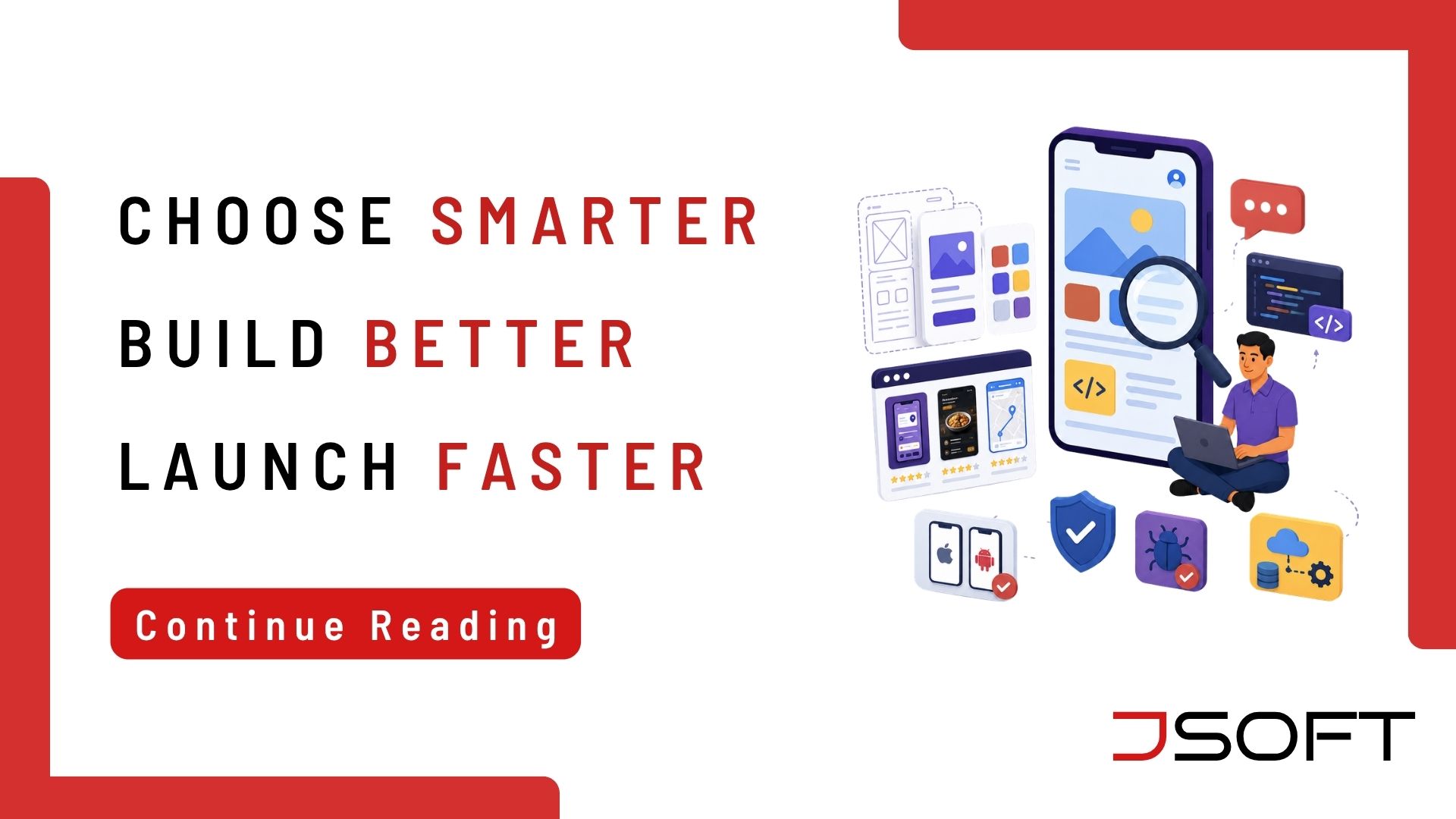
          How to Choose a Mobile App Developer in Sri Lanka-JSOFT
          May 8, 2026

          Your mobile app represents your business to everyone who downloads it. Choosing the right developer is crucial. Sri Lanka’s app development market has expanded quickly, and the choices are plentiful. However, not every developer provides the same level of quality, communication, or reliability. Whether you are creating a customer-facing app, an internal tool, or a service platform, these seven questions will help you find the right partner before signing any contracts.

          1. Can You Show Me Apps You Have Already Built?

          A portfolio reveals a developer’s capabilities. Ask to see live apps on the Google Play Store or Apple App Store, not just screenshots. Download and use them yourself. Look at the ratings and reviews from real users. Does the design seem polished? Is the navigation easy to use? Does the app run smoothly without crashing? A trustworthy developer should have at least two or three finished projects they are proud to show you.

          2. Do You Build for iOS, Android, or Both?

          Some developers focus on one platform. Others use cross-platform tools like Flutter or React Native, which let a single codebase work on both iOS and Android. If your audience uses both platforms as most business audiences in Sri Lanka do, you need a developer who can manage both effectively. Ask which method they recommend for your specific needs and why.

          3. What Is Your Development Process?

          Good developers follow a clear process that includes gathering requirements, designing UI/UX, running development sprints, testing, and launching. Ask how they handle communication throughout the project. How often will you receive updates? How are change requests processed? Will you see a working prototype before full development starts? A developer who cannot explain their process clearly may run into cost overruns later.

          4. Who Owns the Code After the Project Is Complete?

          Many first-time app clients forget this question and later regret it. Some developers keep ownership of the source code or charge ongoing fees to access your own product. You should fully own the source code after final payment, without relying on the developer to make changes or migrate it. This ownership must be confirmed in writing within the contract before any work begins.

          5. How Do You Test the App Before Launch?

          An app that crashes on certain devices, struggles under heavy use, or generates errors can harm your brand shortly after launch. Ask how the developer conducts quality assurance whether on real devices or just emulators, and if their testing involves manual or automated methods. What is their process for logging and fixing bugs before delivery? A reliable developer treats QA as a crucial phase of the project, not just something done at the end.

          6. What Support Do You Offer After Go-Live?

          Launching an app is not the end of the story. Operating system updates can disrupt features. Users may find bugs that testing overlooked. Features may need to change as your business grows. Ask if post-launch maintenance is included or if it costs extra, how quickly they respond to urgent issues, and whether they are available for future updates. A developer who vanishes after delivery can create long-term problems.

          7. Can You Integrate with My Existing Systems?

          Most business apps need to link to existing tools, a payment gateway, a POS system, a CRM, or a third-party API. Ask if the developer has experience with the specific integrations your app needs, and request examples of similar work they have completed. Integration issues are a common cause of cost overruns and project delays. Clearing this up ahead of time saves your timeline and budget.

          Quick Checklist Before You Sign
          • Reviewed at least 2 live apps in the app store
          • Confirmed platform coverage – iOS, Android, or both
          • Understood the development and communication process
          • Confirmed full source code ownership on final payment
          • Verified QA and testing methodology
          • Confirmed post-launch support terms in the contract
          • Confirmed required integrations are supported with examples

          Frequently Asked Questions

          Q: How much does it cost to build a mobile app in Sri Lanka?
          A: App development costs in Sri Lanka vary widely based on complexity, platforms, and features. A basic single-platform app may start at Rs. 150,000, while a fully featured iOS and Android app with backend integration could be significantly more. The best approach is to reach out to a developer with your requirements and ask for a detailed estimate. JSOFT provides tailored quotes based on your specific goals.
          Q: How long does it take to build a mobile app?
          A: A simple app typically takes 6 to 12 weeks from requirements to launch. A more complex app with multiple integrations or custom backend systems, or both iOS and Android versions, may take 3 to 6 months. The timeline heavily depends on how quickly requirements are finalized and how promptly feedback is given at each stage.
          Q: Should I build a native app or a cross-platform app?
          A: Native apps (built individually for iOS and Android) offer the best performance and specific features for each platform. Cross-platform frameworks like Flutter or React Native allow one codebase to run on both platforms, cutting down development time and cost. For most small and medium businesses in Sri Lanka, cross-platform is usually practical and economical, unless your app needs advanced platform-specific features.
          Q: Will I own the app and the source code after the project?
          A: You should, and with JSOFT, you will. Full ownership of the source code transfers to the client after final payment. This means you can take the code to any future developer, host it whenever you want, and change it freely. Always confirm this in the contract before signing with any developer.

          Ready to Build Your Mobile App?

          Choosing a mobile app developer is one of the most important technology decisions for your business. The right developer becomes a long-term partner in your digital growth. The wrong one can cost you time, money, and momentum. Ask these questions, review the answers carefully, and take your time making the decision.

          At JSOFT, we create high-performance mobile apps for iOS and Android tailored to Sri Lankan businesses. Our process is transparent, you have full code ownership, and we offer local support that doesn’t end at launch. Read also: Why Digitalizing Your Small Business Is a Game-Changer.

          JSOFT builds high-performance iOS and Android apps for Sri Lankan businesses, transparent process, full code ownership, and local support.

          Visit: jsoft.lk/services

          JPOS-LankaQR
          April 27, 2026

          On April 6, 2026, President Anura Kumara Dissanayake officially launched the National QR Payment Promotion Programme at the Presidential Secretariat – marking a significant milestone in Sri Lanka’s journey toward a cashless economy.

          The headline change: zero merchant fees on all LankaQR transactions up to Rs. 5,000, effective immediately. For small businesses – restaurants, salons, car washes, distributors, and cloud kitchens – this is one of the most significant payments policy changes in years. But what does it actually mean in practice? This article explains everything you need to know about the programme, what has changed, and what steps your business should take next.

          What Is the National QR Payment Promotion Programme?

          The National QR Payment Promotion Programme is a government-led initiative implemented under the Central Bank of Sri Lanka (CBSL), Ministry of Digital Economy, GovTech institution, and LankaPay – with support from all major financial institutions. The programme is built on four key pillars:

          • Removing barriers to transactions – including eliminating merchant fees on payments up to Rs. 5,000
          • Encouraging public adoption through incentives, prize draws, and consumer benefits
          • Introducing new technologies, including person-to-person (P2P) QR transfers
          • Conducting nationwide awareness campaigns in Sinhala, Tamil, and English

          Central Bank Governor highlighted two critical changes at the launch: free transactions under Rs. 5,000, and the introduction of person-to-person (P2P) QR transfers – allowing customers to send money directly between individuals without visiting a merchant. As the Governor noted, this is the same feature that drove mass adoption in India through UPI.

          450,000
          Merchant locations accepting LankaQR
          20+
          Financial institutions supporting LankaQR
          Rs. 0
          Merchant fee on transactions up to Rs. 5,000
          89%
          Adult Sri Lankans with bank access

          What Has Actually Changed – The Key Facts

          1. Zero Merchant Fees on Transactions Up to Rs. 5,000

          Previously, merchants were charged a Merchant Discount Rate (MDR) of up to 1% on every LankaQR transaction. This discouraged small vendors from accepting QR payments. From April 6, 2026, this fee has been completely removed for all transactions up to Rs. 5,000. The Sri Lanka Banks’ Association and LankaPay have agreed to absorb the cost – meaning the saving goes directly to you, the merchant.

          For a restaurant or salon processing 50 transactions of Rs. 2,000 each per day, this previously cost up to Rs. 1,000 per day in merchant fees. Now it costs nothing. That is over Rs. 30,000 saved per month for a business with average-volume digital payments.

          2. Person-to-Person (P2P) QR Transfers Now Supported

          In a major expansion, customers can now send money directly between individuals using QR codes – not just at merchant terminals. This is the same model that transformed digital payments in India through UPI, which now accounts for over 81% of retail digital payments in India. For businesses, P2P support means customers have more reason to have their banking apps active and ready – making QR checkout more natural for everyone.

          3. A Special Prize Draw for Merchants and Consumers

          To accelerate adoption, the government has introduced a prize draw programme for both consumers and merchants. Weekly and monthly draws offer prizes worth up to Rs. 1,000,000. This gives your customers an extra incentive to choose QR payment over cash – which benefits your transaction records, digital paper trail, and business analytics.

          4. A Social Visibility Index Across All 25 Districts

          A Social Visibility Index has been introduced to track QR payment adoption across all 25 districts, ensuring transparency and fairness in the programme rollout. This signals a long-term policy commitment from the government – not a short-term campaign.

          Why Was This Programme Needed? The Background

          Sri Lanka already has a strong digital payments infrastructure. 89% of adults have bank access, LankaQR is accepted at 450,000 merchant locations, and the CEFTS system processes 68 million transactions per quarter worth Rs. 6.3 trillion. The problem was never infrastructure – it was cost and habit.

          Despite all this, currency in circulation still stands at Rs. 1.48 trillion, while LankaQR transactions were averaging only around Rs. 395 million per month as of the third quarter of 2025. The gap between available infrastructure and actual adoption is what this programme is designed to close.

          President Dissanayake addressed this directly at the launch, noting that Sri Lanka has a strong culture of transactions but has not been able to transition from paper-based systems to modern digital platforms. The two key barriers identified were merchant fees and the absence of person-to-person transfers – both of which this programme directly addresses.

          What the LankaQR Programme Means for Your Business Type

          The impact of fee-free QR payments is not the same for every business. Here is what it means sector by sector:

          Restaurants and Cafes
          Customers can pay directly from their banking app by scanning a QR code at the counter – no card machine, no cash handling, no queues at the till. With the prize draw incentive running nationally, customers are actively being encouraged to pay by QR. For restaurants, this means faster table turnovers, cleaner end-of-day reconciliation, and a fully digital transaction record for every sale.
          Salons and Spas
          Service businesses that traditionally rely on cash at the point of checkout have the most to gain from zero-fee QR payments. Customers who are already comfortable with banking apps can simply scan and pay – reducing the need to handle cash, make change, or chase payment after a service. The digital transaction record also makes it easier to track revenue by appointment or stylist.
          Car Wash Services
          Customers dropping off vehicles can settle payment by QR scan before they leave – simple, instant, and traceable. For car wash businesses managing multiple vehicles at once, QR payments reduce the risk of unpaid or forgotten bills and give a clear digital record of every transaction during the day.
          Distributors
          For distribution businesses, collecting payments on delivery has always involved cash handling on the road – which carries risk and requires reconciliation at the end of each run. With LankaQR, delivery personnel can receive instant QR payments on the spot, generating an immediate digital confirmation. This makes cash-on-delivery operations safer, faster, and more transparent for both parties.
          Cloud Kitchens and Online Food Delivery
          The new P2P QR transfer capability is particularly relevant here. Customers can now pay for orders directly from their phone – whether ahead of time or at the point of delivery – without the vendor needing a merchant terminal. For cloud kitchens managing high order volumes, digital payment confirmation at the point of dispatch simplifies reconciliation significantly.

          How to Get Started with LankaQR for Your Business

          Activating LankaQR for your business is straightforward and does not require any special equipment. Here is the step-by-step process:

          • Contact your bank or financial institution: Ask them to onboard you as a LankaQR merchant. Over 20 financial institutions support LankaQR, including all major banks. There is no setup fee.
          • Receive your LankaQR code: Your bank will issue a LankaQR QR sticker or a digital QR code for your business. You can display the sticker at your counter, on the wall, or show the digital code on any screen or device.
          • Start accepting payments: Customers scan your QR code using any banking app that supports LankaQR. Payment confirmation is instant – no card machine or POS hardware required.
          • Register for the prize draw: Contact your financial institution or visit lankapay.net to register your business for the merchant prize draw programme.
          • Tell your customers: Let customers know you now accept LankaQR payments for free. With the national prize draw running, customers are being motivated to pay by QR – this is a simple way to encourage them at your counter.

          For more information on the programme, visit the LankaPay official website or contact your bank directly.

          Frequently Asked Questions

          Q: Is LankaQR really free for merchants now?
          A: Yes – from April 6, 2026, the Merchant Discount Rate has been completely removed for all LankaQR transactions up to Rs. 5,000. This is confirmed by the Central Bank of Sri Lanka and applies to all participating financial institutions immediately.
          Q: What is the maximum transaction amount that qualifies for zero fees?
          A: Transactions up to Rs. 5,000 are now completely free for merchants. Transactions above this amount may still carry a fee – check with your financial institution for the applicable rate.
          Q: Do I need special hardware or a smartphone to accept LankaQR payments?
          A: No special hardware is required. Your bank will provide a LankaQR QR sticker that can be displayed at your counter. Customers scan it using their banking app on their smartphone. For the merchant, there is nothing to install or operate – payment confirmation is received via SMS. More details are available at lankapay.net
          Q: What is the LankaQR prize draw and how can my business participate?
          A: The government has introduced a weekly and monthly prize draw for both consumers and merchants, with prizes up to Rs. 1,000,000. Participation details are managed through your financial institution and LankaPay. Visit lankapay.net for the latest information on the prize draw programme.
          Q: What is P2P QR transfer and how does it affect my business?
          A: Person-to-person (P2P) QR transfer allows customers to send money directly between individuals using QR codes – not just at merchant points. For your business, this means more customers will have their banking apps active and ready for QR payments, making the checkout experience faster and more familiar.
          Q: Which banks support LankaQR?
          A: Over 20 financial institutions support LankaQR, including all major commercial banks in Sri Lanka. Contact your bank directly to get your merchant QR code and confirm the current terms. Full details are available on the LankaPay website.
          Q: Is this programme only for large businesses or does it apply to small vendors too?
          A: The programme is specifically designed for small-scale merchants and micro-vendors. The removal of the MDR for transactions up to Rs. 5,000 – the most common transaction range for small businesses – is intended to remove the single biggest barrier that kept small vendors from adopting QR payments.

          Conclusion: A Real Opportunity for Sri Lankan Small Businesses

          The National QR Payment Promotion Programme is not just a government announcement. It is a genuine, immediate change to the economics of digital payments for small businesses in Sri Lanka.

          For the first time, accepting QR payments costs your business nothing on transactions up to Rs. 5,000. The infrastructure is already in place. Your bank will provide your QR code. Your customers are being incentivised nationally to start using it. The remaining step is yours to take.

          Whether you run a restaurant, salon, car wash, distribution business, or cloud kitchen – the barriers to going digital have just been dramatically lowered. Sri Lanka’s National Digital Economy Strategy 2030 sets a clear direction: digital payments are not a future aspiration – they are today’s business reality.

          For further reading on how digitalization can benefit your business, see: What Is the ROI of Digitalization for Sri Lankan SMEs? and Why Digitalizing Your Small Business Is a Game-Changer.

          JSOFT-POS-system-cashier-using-a-point-of-sale-terminal-to-serve-a-customer-with-a-mobile-phone-in-a-Sri-Lankan-small-business
          April 7, 2026

          Managing a small business in Sri Lanka has always taken grit, creativity, and long hours. But in 2026, the businesses growing fastest have one thing in common: they have replaced manual notebooks, loose receipts, and guesswork with a modern Point of Sale (POS) system. Whether you run a restaurant in Colombo, a salon in Kandy, a car wash in Galle, a cloud kitchen, or a distribution business anywhere in Sri Lanka this guide will show you exactly why a POS system is no longer a luxury, but a necessity. According to the World Bank SME Finance report, businesses that embrace digital tools show stronger resilience and faster growth compared to non-digitalized SMEs.

          What Is a POS System and How Does It Work?

          A Point of Sale (POS) system is software and sometimes hardware that processes customer transactions at the moment of purchase. But today’s POS systems do far more than print a receipt. Read more about why SaaS POS solutions are a game-changer for modern businesses.

          A modern POS system like JPOS by JSOFT can:

          • Record every sale instantly, with itemized details
          • Track your inventory in real time, so you always know what is in stock
          • Generate daily, weekly, and monthly sales reports
          • Support multiple payment methods including cash, card, and cheque/voucher payments
          • Operate on a tablet or mobile device, no expensive hardware needed
          • Send digital bills via Text messages

          Put simply: a POS system turns your billing counter into a business intelligence hub.

          5 Reasons Your Sri Lankan Business Needs a POS System in 2026

          1. Manual Billing Is Costing You Money

          Handwritten bills are slow, error-prone, and leave no reliable data trail. A single miscalculation or lost receipt can mean lost income and disputes with customers. A POS system eliminates human error and ensures every transaction is recorded accurately and automatically.

          2. You Cannot Manage What You Cannot Measure

          Do you know which product sells the most on Fridays? Which items have been sitting on your shelf for 60 days? Without a POS system, these questions are nearly impossible to answer. With JPOS, you get real-time inventory tracking and sales analytics. See also: What Is the ROI of Digitalization for Sri Lankan SMEs?.

          3. Customers Expect a Professional Experience

          Consumers in Sri Lanka are more digitally aware than ever. A business that can send an e-bill, offer multiple payment options, and process a sale in seconds builds trust and keeps customers coming back. A POS system helps you deliver that professional experience consistently.

          4. Tax Compliance and Reporting Are Getting Stricter

          With increasing regulatory requirements for small businesses in Sri Lanka, the Department of Census and Statistics Sri Lanka confirms the SME sector’s significant contribution to national GDP, bringing with it greater financial scrutiny. A POS system automatically keeps a log of all transactions, making tax time and audits far less stressful.

          5. Your Competitors Are Already Using One

          The businesses winning market share in 2026 are the ones running smarter not just harder. According to a Deloitte study on digital transformation, digitally advanced SMEs grow revenue and productivity at twice the rate of laggards. A POS system levels the playing field and can even give you the edge.

          Which Types of Businesses in Sri Lanka Benefit Most from a POS System?

          A POS system is not just for supermarkets. Read our full guide on how JSOFT empowers small businesses with affordable SaaS solutions to understand the full scope of what’s possible.

          Business TypeKey BenefitJPOS Feature
          Restaurants & CafesTable management & order accuracyMulti-transaction & dine-in/Take-away support
          Car WashVehicle service tracking & prepayment handlingMileage, service date & custom quotations
          SalonsMulti-stylist assignment & service billingE-billing via SMS
          Online Food DeliveriesOrder handling, dispatch & delivery trackingCloud kitchen & delivery management tools
          DistributorsReturns processing & back-office managementIntegrated distributor back-office system

          Introducing JPOS – The POS System Built for Sri Lankan Businesses

          JPOS is JSOFT’s flagship point of sale solution, designed specifically for small and medium businesses in Sri Lanka. Unlike expensive imported software, JPOS is affordable, locally supported, and built around the real needs of Sri Lankan business owners. Learn how JPOS is revolutionizing POS systems for small businesses in Sri Lanka.

          Key Features of JPOS
          • Works on any tablet or mobile device – no dedicated hardware required
          • Real-time inventory and stock management
          • Multi-transaction and split-payment support
          • Digital e-billing via SMS
          • Daily, weekly, and monthly sales analytics
          • Multi-user access with role-based permissions
          • Offline mode – works even without internet connection
          • Local support team based in Sri Lanka

          JPOS is trusted by over 40 businesses across Sri Lanka. Download the app directly from the Google Play Store and get started today.

          How to Choose the Right POS System for Your Business in Sri Lanka

          Not all POS systems are created equal. JSOFT’s services page gives a full overview of available solutions. Here is what to look for when evaluating any POS solution:

          • Local support: Can you get help quickly if something goes wrong? A locally supported system is essential.
          • Ease of use: Your staff should be able to learn it in hours, not weeks.
          • Affordability: Look for transparent pricing without hidden subscription fees.
          • Inventory management: Essential for any product-based business.
          • Reporting: You need actionable data, not just raw numbers.
          • Works offline: Power cuts and connectivity issues are a reality in Sri Lanka. Your POS must be reliable regardless.

          See also: Digitalization in Business: How to Stay Ahead in 2025 – a JSOFT guide on choosing the right digital tools for your business.

          Frequently Asked Questions

          Q: How much does a POS system cost in Sri Lanka?
          A: JPOS by JSOFT is competitively priced the Monthly plan starts at Rs 2,500/month and the Annual plan is Rs 25,000/year. No expensive hardware is required; it runs on any tablet or Android device. Contact JSOFT at 077 630 6303 for a customized quote.
          Q: Can a POS system work without the internet in Sri Lanka?
          A: Yes, JPOS includes an offline mode, meaning your business can keep running even during power cuts or connectivity disruptions. All data syncs automatically once you are back online.
          Q: Is a POS system suitable for a small shop or petti kada?
          A: Absolutely. Even a small retail shop or petti kada can benefit from faster billing, inventory tracking, and daily sales reports. See how JSOFT empowers small businesses with no-hardware SaaS solutions.
          Q: How long does it take to set up JPOS?
          A: Most businesses are up and running with JPOS within a single day. Download the app from the Google Play Store and the JSOFT team will guide you through onboarding.
          Q: What if I need help after installation?
          A: JSOFT provides dedicated local IT support for all JPOS users. Reach the team via the JSOFT contact page, by phone on 077 630 6303, or by email at info@jsoft.lk.
          Q: Can JPOS send digital receipts to customers?
          A: Yes. JPOS supports e-billing via WhatsApp, email, and SMS. Read more about how JPOS secures and delivers e-billing with enterprise-grade AWS security.

          The Right Time to Upgrade Is Now

          In 2026, running a small business in Sri Lanka without a POS system is like navigating without a map. A modern POS system like JPOS gives you the real-time data, the professional edge, and the operational efficiency to compete and grow. Forbes research highlights that technology adoption is now a competitive necessity for small businesses not just an option.

          Want to understand the full return on your investment before you commit? Read: Why Digitalizing Your Small Business Is a Game-Changer.

          January 24, 2026

          Modern clinics face daily operational challenges; crowded waiting areas, unclear communication, repeated verbal calls, and workflow bottlenecks. At JSOFT, we design IoT solutions that remove friction from clinical operations while improving both staff efficiency and patient experience.

          Our clinic-focused IoT systems are built using ESP32 micro controllers and are fully controlled via intuitive Android applications, allowing clinics to digitize key touch points without complex infrastructure or high operational costs.

          This blog post explores how JSOFT IoT solutions are redefining clinic operations through clarity, automation, and smart design.

          JQUE – Smart Doctor Queue Display

          Patient queue management is one of the most visible pain points in clinics. Manual calling systems, verbal announcements, and paper-based tokens often lead to confusion, noise, and repeated questions from patients. JQUE replaces these outdated processes with a real-time digital queue management system that works both inside the clinic and online.

          Using a dedicated Android app, clinic staff can:

          • Manage and update queues instantly
          • Call next patients with a single tap
          • Handle multiple doctors or counters
          • Adjust flow dynamically during peak hours

          Public Online Queue View

          A key strength of JQUE is its public queue view, which is available online. This allows patients to check the live queue status from home or anywhere using their mobile phone. Patients can:

          • View the current queue number remotely
          • Estimate their waiting time before arriving
          • Avoid unnecessary time spent at the clinic
          • Arrive closer to their actual consultation time

          This significantly reduces crowding in waiting areas and improves overall patient comfort.

          Android App Control – No Extra Hardware Needed

          Unlike traditional queue systems that rely on dedicated physical controllers or button panels, JQUE is fully controlled via an Android app.

          This means:

          • No separate control devices or panels
          • No complex hardware handling
          • No fixed control point

          Clinic staff can manage queues directly from a phone or tablet, making operations faster and more flexible.

          Why This Matters for Clinics:

          • Faster queue control with simple taps
          • Staff can operate from anywhere in the clinic
          • Minimal training required
          • Reduced hardware costs
          • Fewer breakdown points
          • Easy scaling for additional doctors or counters

          By replacing manual hardware with a smart Android app, JQUE delivers a simpler, more reliable, and future-ready queue system. JQUE transforms queue management into a transparent, patient-friendly experience, extending beyond clinic walls and into patients’ homes.

          ESP32-Powered Clinic IoT Architecture

          JSOFT clinic solutions are built on ESP32 IoT hardware, chosen for its reliability, connectivity, and scalability.

          Technical Advantages:

          • Stable WiFi connectivity
          • Low power consumption
          • Fast response times
          • Secure device communication
          • Long-term operational reliability

          This architecture enables clinics to deploy enterprise-grade IoT solutions in a cost-effective and scalable manner.

          Real Impact in Real Clinics

          JSOFT clinic IoT solutions are designed around real operational challenges, not theoretical use cases. By focusing on clarity, simplicity, and usability, our systems:

          • Reduce staff workload
          • Improve patient satisfaction
          • Minimize operational errors
          • Enhance clinic reputation
          • Prepare clinics for future digital expansion

          The JSOFT Clinic IoT Vision

          At JSOFT, we believe healthcare technology should be invisible, reliable, and human-centered. Our clinic IoT solutions quietly support doctors, staff, and patients, allowing healthcare professionals to focus on what matters most: care delivery.

          Contact JSOFT to modernize your clinic with smart IoT solutions 077 630 6303

          Smart Technology for Smarter Clinics

          Blog Categories